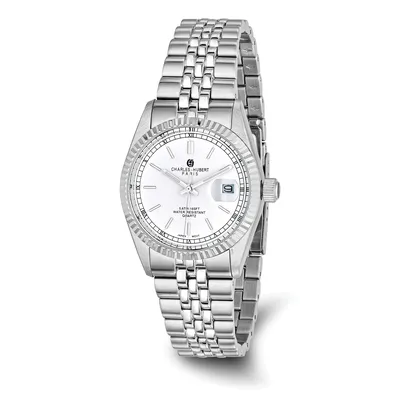
The short answer
Don't use the quick date setting while the watch shows a time between about 9 pm and 3 am, because the date-change gears are engaged then. Move the hands to 6:30 first, set the date to yesterday, then turn the time forward past midnight until today's date appears. Exact hours vary by maker, so check your watch's instructions.
Why the time on the dial matters
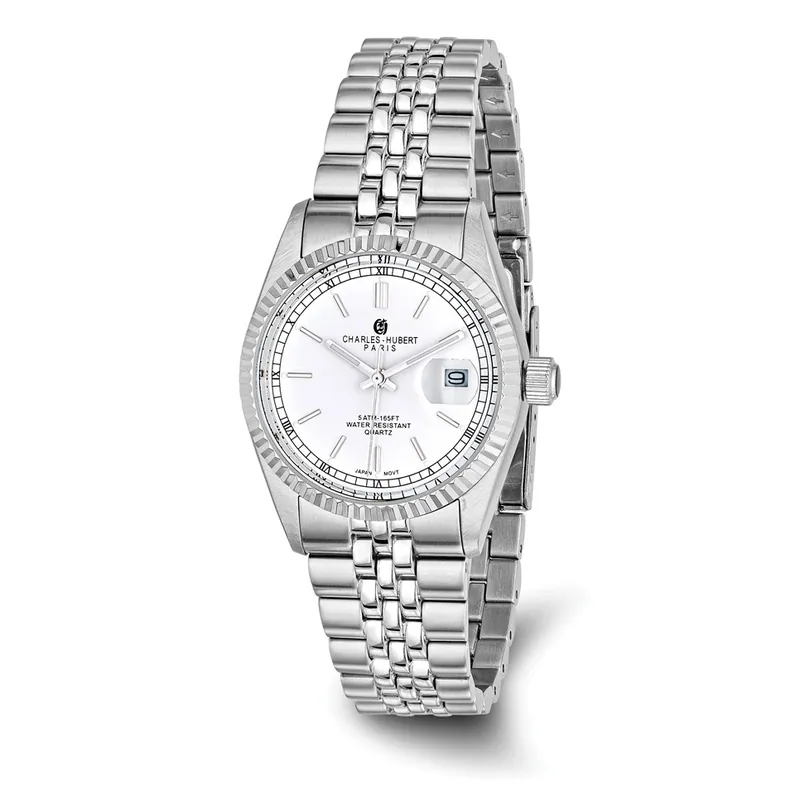
A date watch has a wheel under the dial with the numbers 1 to 31 printed on it. Once a day, a set of gears slowly pushes that wheel forward one step. The push starts a few hours before midnight and the gears stay engaged for a few hours after it.
The quick date setting moves the same wheel directly. If you use it while the gears are already engaged, the two can press against each other, and small parts can bend or break. That is why most watch instructions tell you to avoid changing the date during a window around midnight.
A common rule is to avoid 9 pm to 3 am. Makers differ: some give a shorter window, some a longer one, and some movements are built so it doesn't matter. The rule is best known for mechanical watches, but many quartz watch instructions give a similar warning. If you don't have the instructions, the method below is safe for nearly any date watch.
Know your crown positions
On most date watches the crown has three positions. Yours may differ, so treat this as the usual layout.
| Crown position | What it usually does |
|---|---|
| Pushed in | Normal wear. On a hand-wound or automatic watch, turning it winds the watch. |
| First click out | Quick date setting. On a day and date watch, one direction often changes the date and the other the day. |
| Second click out | Sets the time. The seconds hand stops on many watches. |
If your watch has a screw-down crown, unscrew it first. It will pop out slightly when it is free.
How to set the date safely
- Pull the crown out to the time position and move the hands to 6:30. With the hands in the lower half of the dial, the date gears are clear whether the watch thinks it is morning or evening.
- Push the crown in one click to the date position and set the date to yesterday's date.
- Pull the crown back out to the time position and turn the hands forward. When they pass 12 and the date changes to today, you know the watch is at midnight.
- Keep turning forward to the correct time. If it is afternoon or evening, go past 12 once more so the watch is in the right half of the day.
- Push the crown all the way in. If it screws down, screw it back until snug. A crown left out or unscrewed lets water in. Our guide to water resistance ratings explains why.
Setting yesterday's date and then winding forward does two jobs. It keeps the quick setting away from the risky hours, and it sets morning and evening correctly at the same time.
If the date changes at noon
A watch can't tell you whether it thinks it is morning or evening. If the date flips at midday instead of midnight, the watch is 12 hours out. Pull the crown to the time position and turn the hands forward 12 hours. Then correct the date using the steps above if it needs it.
Short months
A standard date watch counts to 31 every month. It needs a correction on the first day after any month with fewer than 31 days. That is five times a year:
- March 1 (after February)
- May 1 (after April)
- July 1 (after June)
- October 1 (after September)
- December 1 (after November)
Do the correction during the day, or move the hands to 6:30 first as above.
Other things to avoid
- Turning the hands backward past midnight. Some makers advise against it. Going forward is always safe.
- Forcing a stiff crown. If the date won't move in the first position, your watch may have no quick setting. In that case you change the date by turning the hands forward through full 24 hour cycles.
- Setting a watch on your wrist. Take it off first. Pulling the crown at an angle puts side pressure on the stem.
If your watch stopped because it sat unworn, the same steps apply once it is running again. Our guide to quartz, automatic and mechanical watches explains why some watches stop after a day or two off the wrist. Many of our wrist watches have a date window, and each product page lists it under Function.